
Take heartcheckapp with you.
Start a guided heart wellness education chat on mobile, upload files or photos, and continue your session wherever you are. Educational only — not a medical device.


We’ll send iPhone and iPad users to the App Store, Android users to Google Play, and everyone else to this download page.
A familiar flow, optimized for phones and tablets.
The mobile experience mirrors the web app structure while making it easier to start chats, switch session types, upload documents, and move through your wellness education flow on the go.
Choose your session type
Start with a simple “start” session or move into “question and answer” when you want a guided flow.
Upload from your device
Select photos, choose files, or take a picture directly from your tablet or phone during your chat.
Continue anywhere
Use the mobile app when you want a touch-first experience, or switch back to the web app whenever you prefer a larger screen.
See the app in action.
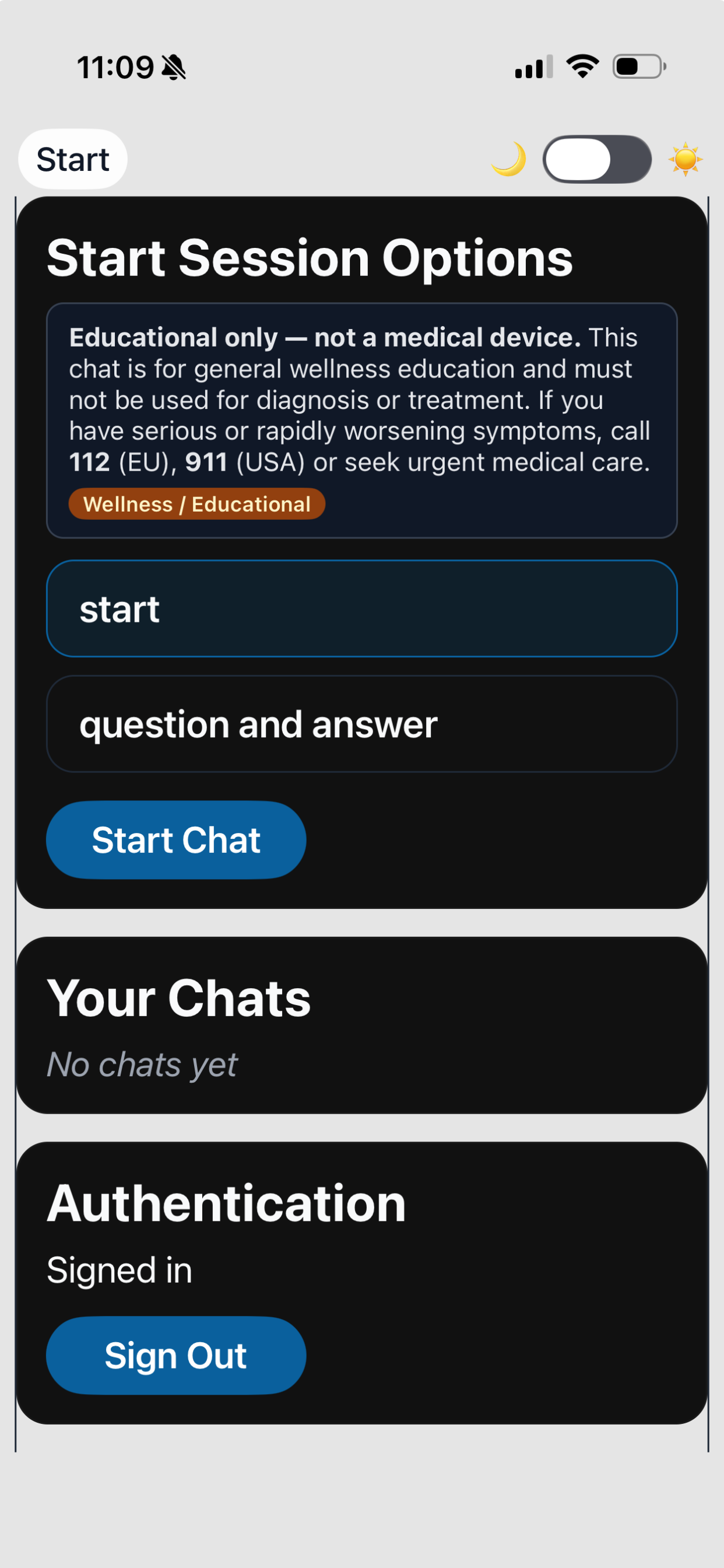
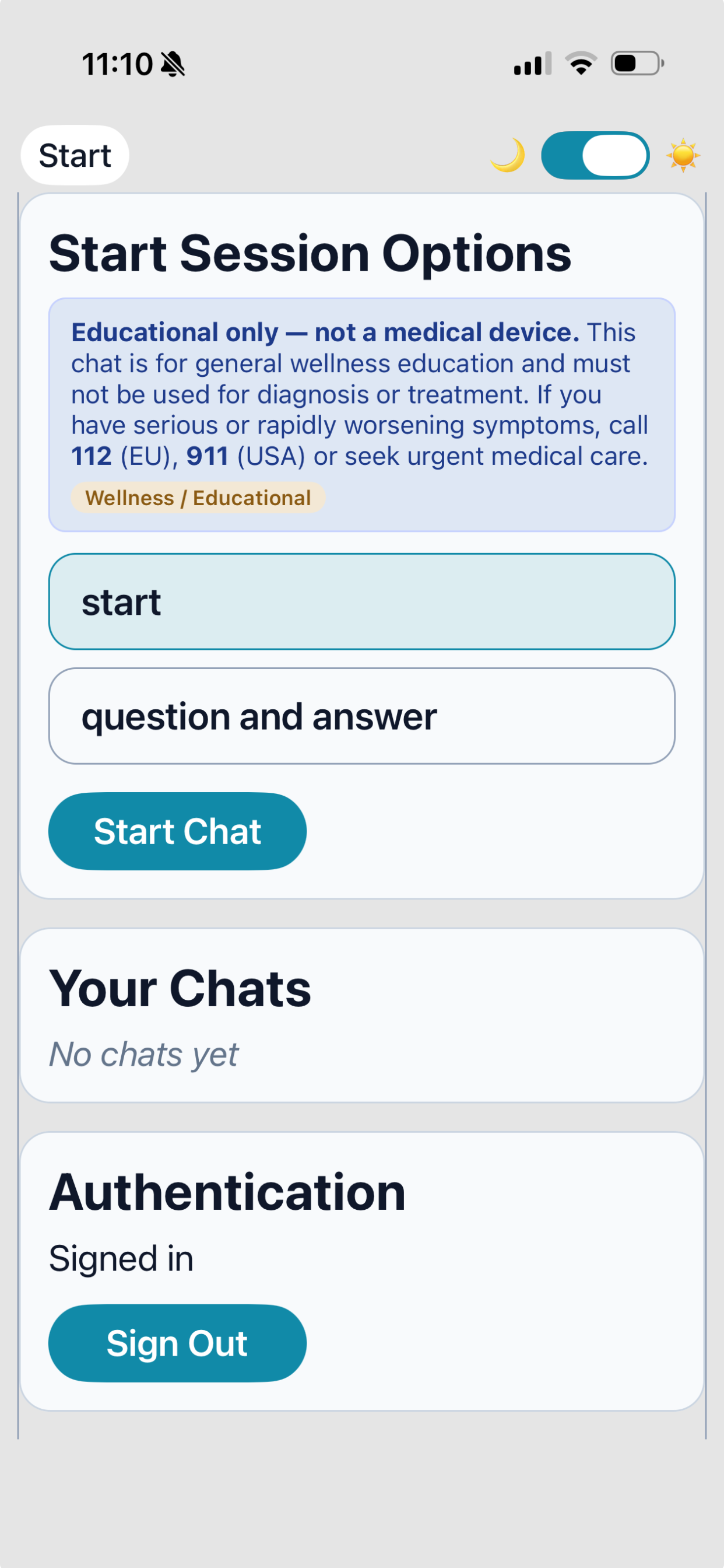
These screenshots highlight the start experience on phone and tablet so users immediately understand what the mobile experience looks like.
Dark mode start screen
Shows the session selector, start button, chat list, and authentication area.
Light mode start screen
Gives users a quick view of the same flow in a lighter visual treatment.
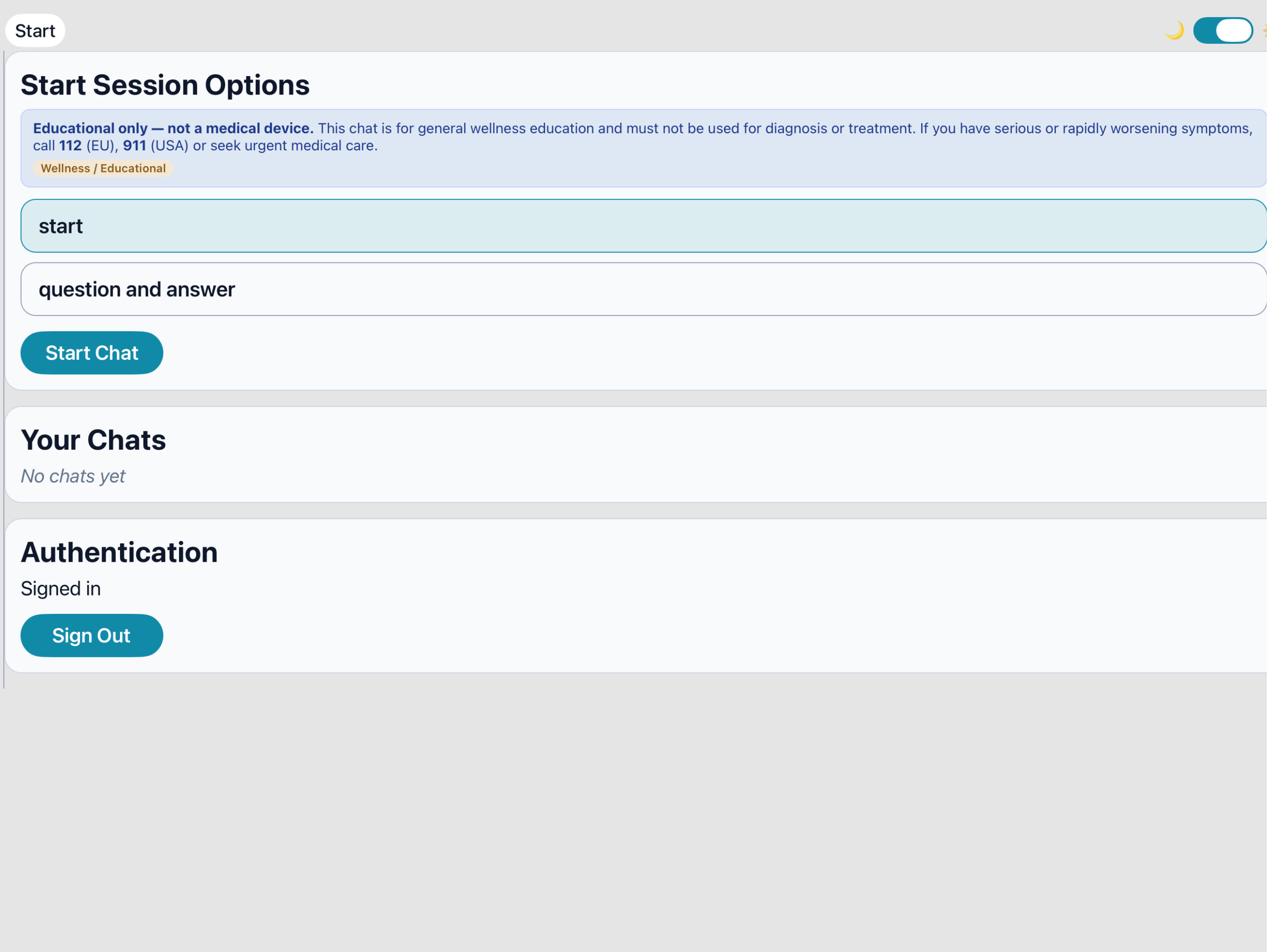
Tablet start experience
Shows how the session setup scales nicely for larger mobile screens and iPad layouts, with more space for browsing chats and starting new sessions comfortably.
Guided chat flow
Start a session quickly and move into question-and-answer mode when you want more structure.
Mobile document capture
Use your phone or tablet to select files, choose photos, or take a picture during your session.
Web and mobile together
Promote the mobile apps while keeping the web experience available for users who prefer desktop.
Ready to install?
Use the device-smart button for the best match, or choose the store directly below.